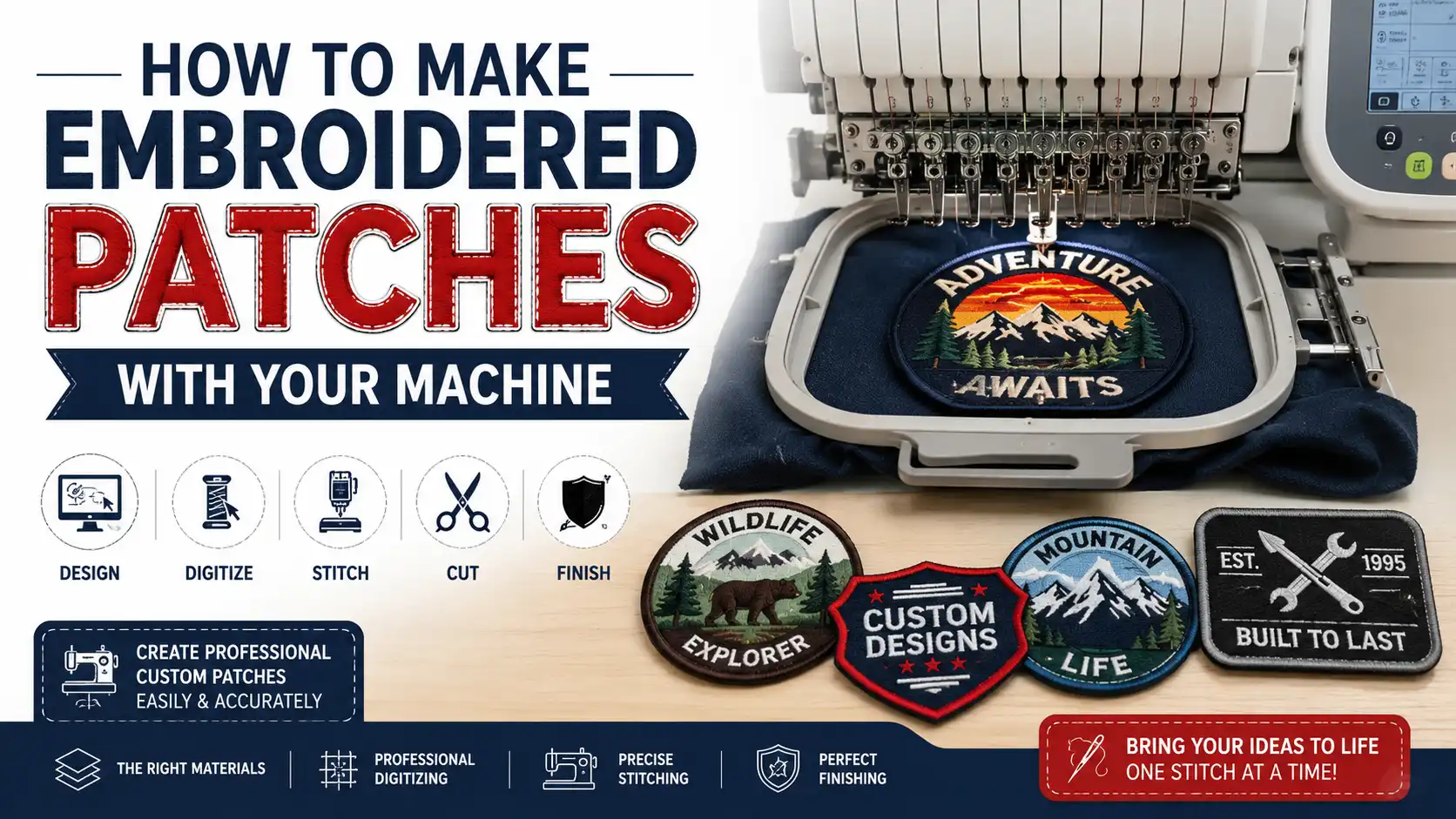
How to Make Embroidered Patches with Your Machine
Embroidered patches have become one of the most popular ways to personalize clothing, uniforms, hats, backpacks, and promotional products. Whether you're creating custom patches for your business, designing unique fashion accessories, or starting an embroidery business, learning how to make embroidered patches with your machine can open countless creative and profitable opportunities.
The good news is that you don't need expensive industrial equipment to create professional-looking patches. With the right embroidery machine, quality materials, and properly digitized embroidery files, you can produce durable, high-quality embroidered patches from your workspace.
In this comprehensive guide, we'll walk you through everything you need to know about how to make embroidered patches with your machine, from selecting materials to finishing techniques that give your patches a polished, professional appearance.
What Are Embroidered Patches?
Embroidered patches are decorative pieces of fabric stitched with custom designs using embroidery thread. They can be sewn onto garments, attached with iron-on backing, secured with hook-and-loop fasteners, or applied using adhesive backing.
Businesses, military organizations, schools, sports teams, motorcycle clubs, and fashion brands all use embroidered patches because they are:
Highly durable
Cost-effective
Easy to customize
Professional in appearance
Long-lasting
Suitable for nearly every fabric
Modern embroidery machines make producing patches faster and more accurate than traditional hand embroidery.
Materials You'll Need
Before learning how to make embroidered patches with your machine, gather the following supplies:
Embroidery Machine
A computerized embroidery machine is ideal for creating clean, consistent stitches. Single-needle and multi-needle machines both work well depending on production volume.
Patch Fabric
Common options include:
Twill fabric
Felt
Canvas
Polyester twill
Cotton twill
Twill remains the most popular choice because it's durable and provides a smooth embroidery surface.
Stabilizer
Choose a heavy cut-away or tear-away stabilizer that supports dense embroidery without puckering.
Embroidery Thread
Use high-quality polyester embroidery thread for excellent durability and vibrant colors.
Bobbin Thread
Lightweight bobbin thread helps maintain balanced stitching while reducing bulk.
Embroidery Needles
Use sharp embroidery needles appropriate for your fabric type and thread weight.
Backing Material
Depending on your application, choose:
Iron-on backing
Pressure-sensitive adhesive
Hook-and-loop backing
Sew-on backing
Step 1: Create or Choose Your Design
Every successful embroidered patch starts with a great design.
Simple designs generally stitch better than overly detailed artwork. Bold text, clean outlines, and larger design elements produce the best embroidery results.
If you're designing a logo, badge, or emblem, make sure the artwork has:
High contrast
Clear shapes
Readable text
Limited tiny details
Remember that embroidery has physical limitations, and extremely small elements may not stitch cleanly.
Step 2: Digitize the Artwork
One of the most important steps in how to make embroidered patches with your machine is embroidery digitizing.
An embroidery machine cannot read standard image files like JPG, PNG, or SVG directly. The artwork must first be converted into an embroidery file such as:
DST
PES
EXP
JEF
VP3
Professional digitizing determines:
Stitch direction
Stitch density
Underlay
Pull compensation
Stitch types
Thread sequence
Poor digitizing often leads to thread breaks, gaps, puckering, and uneven stitching.
At Needle Digitizing, our professional embroidery digitizing services ensure your patch designs stitch smoothly while maintaining clean details and production efficiency.
Step 3: Hoop the Stabilizer and Fabric
Proper hooping greatly affects embroidery quality.
Place your stabilizer securely inside the hoop.
Then position the patch fabric over the stabilizer.
Ensure both materials remain tight and wrinkle-free before placing the hoop into your embroidery machine.
Loose hooping may cause:
Misalignment
Fabric shifting
Uneven stitches
Distorted designs
Step 4: Load the Embroidery File
Transfer your digitized embroidery file to your machine using:
USB drive
Wi-Fi connection
Direct computer connection
Memory card
Double-check:
Design orientation
Size
Thread colors
Stitch sequence
Many embroidery machines allow you to preview the design before stitching.
Step 5: Start Embroidering
Once everything is aligned correctly, begin stitching.
Monitor the embroidery process, especially during:
Color changes
Dense fill areas
Satin borders
Small lettering
Keep an eye out for:
Thread breaks
Needle issues
Fabric movement
Bird nesting
Most modern embroidery machines automatically stop when thread breaks occur, making troubleshooting much easier.
Step 6: Add the Border
The border is what gives embroidered patches their professional appearance.
The two most common border styles are:
Satin Border
A satin stitch border creates a raised, polished edge that's commonly seen on commercial embroidered patches.
Benefits include:
Professional finish
Strong edge protection
Attractive appearance
Merrow Border
Merrow borders require specialized equipment and create the thick wrapped edge found on many military and scout patches.
If you don't own a merrow machine, a satin border provides an excellent alternative.
Step 7: Cut Out the Patch
After embroidery is complete, carefully remove the patch from the hoop.
Trim away the excess stabilizer.
Then cut around the satin border using:
Sharp embroidery scissors
Fabric scissors
Precision rotary cutter
Laser cutter (for large production runs)
Take your time to ensure clean, even edges.
Step 8: Apply the Backing
The final step in how to make embroidered patches with your machine is selecting the right backing.
Sew-On Backing
Perfect for uniforms, jackets, and workwear.
Iron-On Backing
Provides easy application using a household iron or heat press.
Hook-and-Loop Backing
Ideal for tactical gear, uniforms, and removable patches.
Adhesive Backing
Great for temporary placement or promotional products.
Choose the backing that best matches your customer's needs.
Common Mistakes to Avoid
Many beginners experience problems while making embroidered patches.
Here are the most common mistakes:
Using Low-Quality Digitizing
Poor embroidery files produce poor results regardless of how expensive your embroidery machine is.
Professional digitizing makes a noticeable difference.
Incorrect Stabilizer
Using lightweight stabilizers often causes puckering and distorted stitching.
Always match the stabilizer to your design density.
Too Much Stitch Density
Excessive stitches create stiff patches and increase thread breaks.
Balanced density improves both appearance and durability.
Skipping Test Stitching
Always perform a sample stitch before full production.
This allows you to catch issues early and make adjustments.
Dull Needles
Replace embroidery needles regularly to maintain clean stitching.
Tips for Professional-Looking Embroidered Patches
To create premium-quality patches:
Use premium polyester thread.
Keep fabric tightly hooped.
Choose quality twill fabric.
Trim jump stitches neatly.
Test every new design.
Use professional digitizing services.
Maintain your embroidery machine regularly.
Clean lint after each production run.
Replace worn needles frequently.
Store threads away from direct sunlight.
Small improvements in your workflow often lead to significantly better embroidery quality.
Why Professional Digitizing Matters
Even the best embroidery machine cannot compensate for poorly digitized artwork.
Professional embroidery digitizing improves:
Stitch quality
Production speed
Thread efficiency
Design accuracy
Fabric stability
Overall appearance
At NeedleDigitizing.com, our experienced digitizers carefully optimize every design for smooth machine embroidery, helping customers achieve professional-quality embroidered patches with minimal production issues.
Whether you're producing one custom patch or thousands for commercial orders, quality digitizing is the foundation of successful embroidery.
Final Thoughts
Learning how to make embroidered patches with your machine is a valuable skill for hobbyists, embroidery businesses, apparel decorators, and entrepreneurs. By choosing the right materials, using proper stabilization, following correct embroidery techniques, and investing in professional embroidery digitizing, you can consistently produce patches that look polished and last for years.
The key to outstanding results isn't just owning a good embroidery machine—it's combining quality materials with expertly digitized embroidery files. If you want clean stitch-outs, reduced thread breaks, and professional-looking patches every time, partnering with an experienced digitizing service can make all the difference.
Ready to transform your artwork into flawless embroidery files? NeedleDigitizing.com provides fast, accurate, and production-ready embroidery digitizing services to help you create exceptional embroidered patches with confidence.
Frequently Asked Questions (FAQs)
1. Can I make embroidered patches with a home embroidery machine?
Yes. Most modern home embroidery machines can create high-quality patches, provided you use suitable stabilizers, patch fabric, and professionally digitized embroidery files.
2. What fabric is best for embroidered patches?
Polyester twill is the most popular choice because it is durable, smooth, and provides excellent stitch quality. Felt and canvas are also commonly used for specific patch styles.
3. Why do I need embroidery digitizing before stitching a patch?
Embroidery machines require specialized stitch files rather than standard image formats. Digitizing converts your artwork into machine-readable instructions that control stitch direction, density, underlay, and sequencing.
4. What type of border should I use for patches?
A satin stitch border is the most common option for home and commercial embroidery machines. A merrow border offers a classic overlocked edge but requires specialized equipment.
5. How can I make my embroidered patches look more professional?
Use high-quality thread and fabric, hoop materials correctly, perform test stitch-outs, maintain your embroidery machine, and always use professionally digitized embroidery files for the cleanest and most consistent results.
Tags: