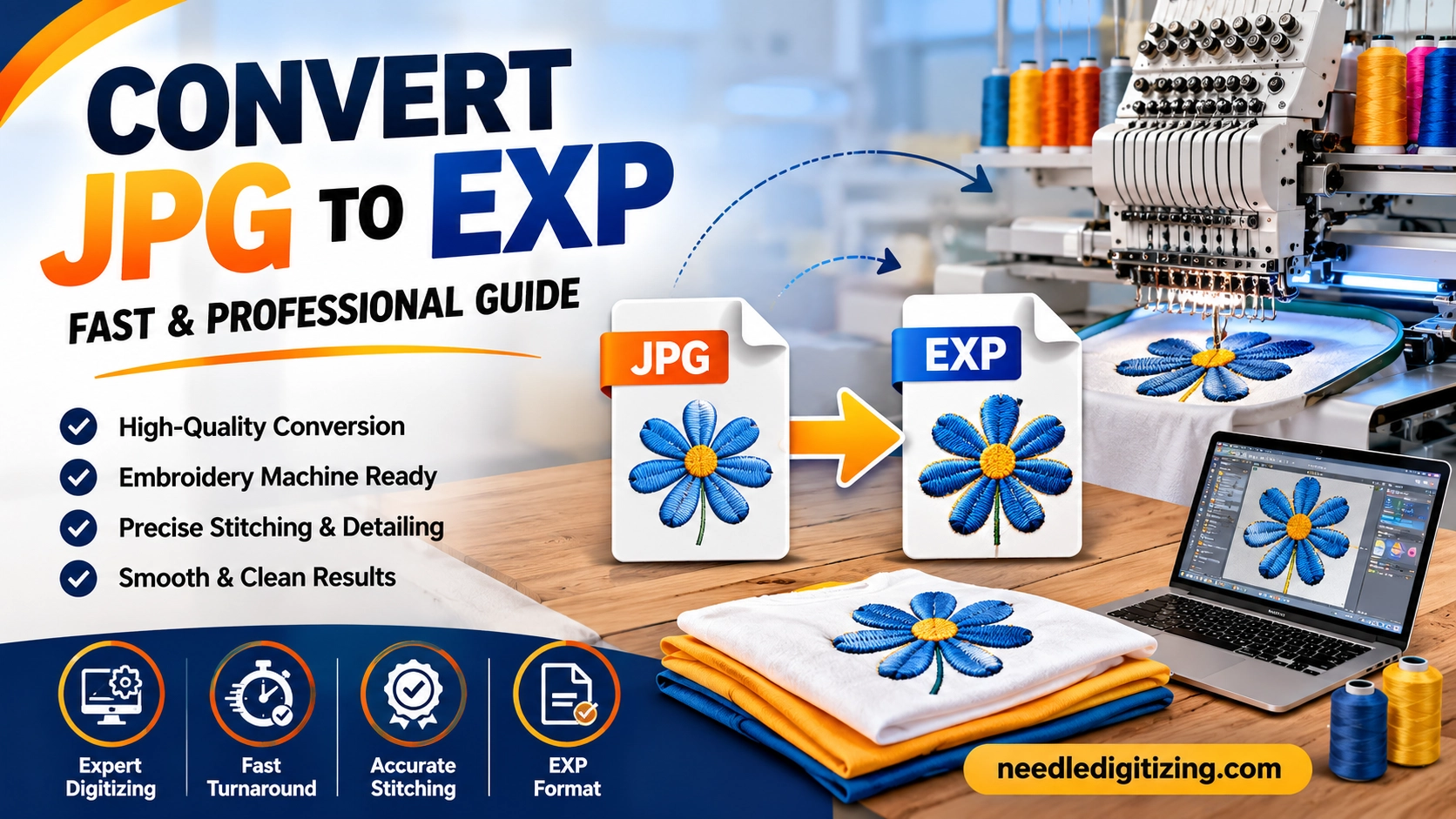
convert JPG to EXP Complete Guide for Embroidery Machine File Conversion
Embroidery digitizing has transformed the textile and apparel industry by making custom embroidery designs easier, faster, and more accurate. Whether you own an embroidery business or simply want to personalize garments, understanding how to convert JPG to EXP files is essential. A JPG image cannot be directly read by embroidery machines, which is why professional embroidery digitizing services are required to convert artwork into a machine-readable EXP format.
At Needle Digitizing, we specialize in high-quality embroidery digitizing and file conversion services that ensure smooth stitching and premium embroidery results. In this blog, we will explain everything you need to know about JPG to EXP conversion, how the process works, and why professional digitizing matters for embroidery quality.
What is a JPG File?
A JPG or JPEG file is one of the most commonly used image formats worldwide. It is mainly used for digital photographs, logos, artwork, and graphic designs. JPG files are ideal for online sharing because they maintain image quality while reducing file size.
However, embroidery machines cannot understand regular image files like JPG, PNG, or GIF. These image formats only contain pixels and colors, while embroidery machines require stitch instructions, thread paths, and sewing commands to create embroidery designs.
This is where embroidery digitizing comes into play.
What is an EXP File?
An EXP file is a machine embroidery format primarily used by Melco and Bernina embroidery machines. Unlike JPG images, EXP files contain precise stitching instructions that guide embroidery machines during the stitching process.
An EXP embroidery file includes:
Stitch types
Needle sequence
Thread color changes
Stitch direction
Density settings
Machine commands
Without converting your JPG image into an embroidery format like EXP, the machine cannot produce accurate embroidery results.
Why Convert JPG to EXP?
Converting JPG to EXP is necessary for anyone who wants to transform artwork into embroidery-ready designs. Businesses, clothing brands, promotional companies, and embroidery shops frequently require this conversion for logos and custom designs.
Benefits of JPG to EXP Conversion
1. Machine Compatibility
EXP files are compatible with several embroidery machines, making them suitable for professional embroidery production.
2. High-Quality Stitching
Professional digitizing ensures smooth stitching, clean outlines, and accurate thread placement.
3. Custom Embroidery
You can convert logos, monograms, text, and artwork into beautiful embroidered designs.
4. Faster Production
Properly digitized EXP files reduce machine errors and improve embroidery speed.
5. Professional Results
Digitized embroidery designs provide a polished and premium appearance for apparel and branding.
How JPG to EXP Conversion Works
Many people think converting JPG to EXP is similar to changing one image format into another. In reality, embroidery digitizing is a highly skilled process that requires technical expertise and embroidery software.
Step 1: Artwork Analysis
The digitizer carefully examines the JPG image to understand the design structure, colors, and embroidery requirements.
Step 2: Path Creation
The design is recreated using embroidery software by defining stitch paths and sewing directions.
Step 3: Stitch Type Selection
Different stitch types are assigned depending on the design elements:
Satin stitches for borders and text
Fill stitches for large areas
Running stitches for outlines and details
Step 4: Density Adjustment
The stitch density is optimized to prevent thread breaks, puckering, or fabric damage.
Step 5: Color Sequencing
Thread color changes are organized for efficient embroidery production.
Step 6: Export to EXP Format
Once the digitizing process is complete, the file is exported as an EXP embroidery file.
Why Professional Digitizing Matters
Automatic conversion software may seem convenient, but it often produces poor-quality embroidery files. Professional embroidery digitizing ensures the final embroidery design stitches correctly on fabric.
Common Problems with Auto Conversion
Broken stitches
Uneven embroidery
Poor design alignment
Excessive thread trims
Fabric puckering
Distorted logos
Professional digitizers manually optimize every detail to ensure perfect embroidery output.
At Needle Digitizing, our experienced digitizers carefully create embroidery files that deliver clean and professional embroidery results for every project.
Industries That Use JPG to EXP Conversion
Many industries rely on embroidery digitizing services for branding and customization.
Fashion Industry
Fashion brands use embroidery for jackets, caps, shirts, and designer apparel.
Corporate Branding
Companies embroider logos on uniforms and promotional products.
Sports Teams
Sports organizations require embroidered team logos and player names.
Promotional Businesses
Custom embroidery is widely used for giveaways and marketing products.
Personalized Gifts
Monograms and custom embroidery designs are popular for gifts and accessories.
Best Practices for JPG to EXP Conversion
To achieve the best embroidery results, follow these important guidelines:
Use High-Quality Images
A clear and high-resolution JPG file helps digitizers create accurate embroidery designs.
Keep Designs Simple
Overly complex artwork may not stitch properly, especially on small embroidery areas.
Choose Appropriate Colors
Select embroidery-friendly colors with strong contrast for better visibility.
Specify Design Size
Embroidery digitizing depends heavily on the final design dimensions.
Select Suitable Fabric
Different fabrics require different stitch settings and underlay techniques.
Common Challenges in JPG to EXP Conversion
Embroidery digitizing involves technical adjustments that depend on both the artwork and the fabric type.
Small Text Issues
Tiny lettering can become unreadable if not digitized correctly.
Complex Gradients
Embroidery machines cannot reproduce photo gradients exactly like printed images.
Fabric Distortion
Improper stitch density may cause fabric puckering or stretching.
Thread Breaks
Poor digitizing may create excessive stitches that lead to thread breakage.
Professional digitizers solve these issues by manually adjusting stitch settings and embroidery paths.
Why Choose Needle Digitizing?
Finding a reliable embroidery digitizing company is important for achieving professional embroidery quality. Needle Digitizing provides expert JPG to EXP conversion services tailored to your embroidery needs.
Our Services Include:
Logo digitizing
Custom embroidery digitizing
Cap digitizing
Left chest digitizing
3D puff embroidery digitizing
Vector artwork conversion
Fast turnaround time
High-quality EXP embroidery files
Why Customers Trust Us
Experienced embroidery digitizers
Affordable pricing
Quick delivery
Excellent customer support
Machine-ready embroidery files
Guaranteed embroidery quality
We understand the technical aspects of embroidery and ensure every design is optimized for smooth machine performance.
Tips for Better Embroidery Results
Even with a professionally digitized EXP file, proper embroidery setup is important.
Use Quality Stabilizer
The right stabilizer prevents fabric movement during embroidery.
Choose Proper Needles
Different fabrics require different embroidery needles.
Test the Design
Always run a sample stitch test before bulk production.
Use High-Quality Thread
Premium embroidery thread improves durability and appearance.
Maintain Your Embroidery Machine
Regular maintenance helps avoid stitching errors and thread breaks.
Future of Embroidery Digitizing
The embroidery industry continues to evolve with advanced digitizing software and machine technology. However, human expertise remains essential for producing high-quality embroidery files.
AI-powered software may speed up some processes, but professional embroidery digitizers still provide superior results through manual adjustments and technical experience.
Businesses that invest in quality embroidery digitizing achieve better branding, improved customer satisfaction, and professional-looking embroidery products.
Final Thoughts
Converting JPG to EXP is a crucial step in creating embroidery-ready designs for professional embroidery machines. Since embroidery machines cannot read regular image files, embroidery digitizing transforms artwork into detailed stitch instructions that machines can follow accurately.
Professional digitizing ensures clean stitching, reduced thread breaks, and high-quality embroidery output. Whether you need embroidered logos, uniforms, caps, or promotional products, choosing expert digitizing services makes a significant difference in the final result.
If you are looking for reliable and professional JPG to EXP conversion services, Needle Digitizing is here to help. Our skilled digitizers create high-quality EXP embroidery files that deliver exceptional embroidery performance and customer satisfaction.