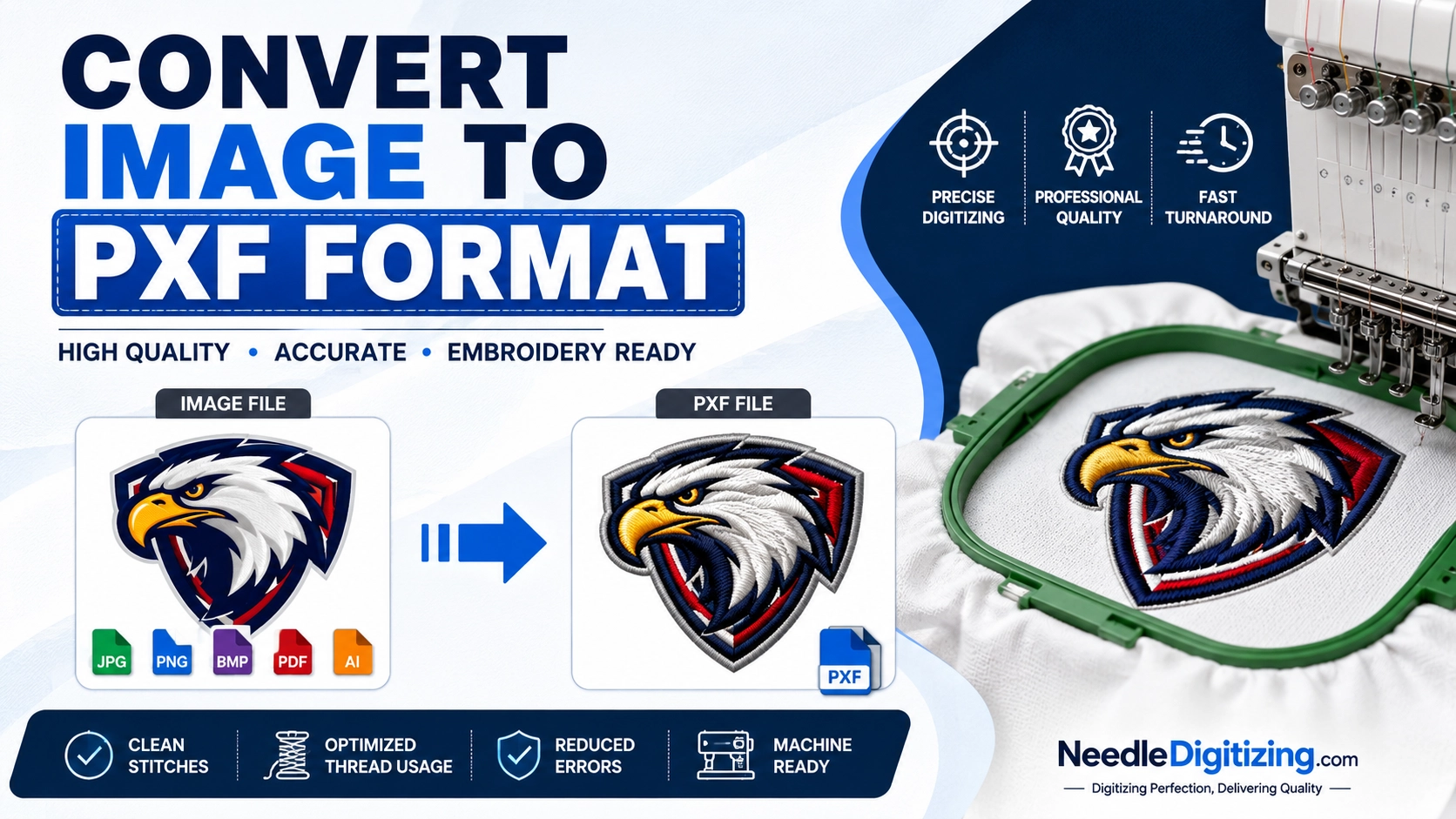
Convert Image to PXF Format: A Complete Guide for Professional Embroidery Digitizing
Convert Image to PXF Format for High-Quality Embroidery Designs
Embroidery digitizing has transformed the way businesses, apparel brands, and hobbyists create customized embroidered products. One of the most important steps in the digitizing process is converting artwork into a machine-readable embroidery format. If you are looking to convert image to PXF format, understanding the process can help you achieve cleaner stitching, better embroidery quality, and professional results.
At NeedleDigitizing.com, we specialize in professional embroidery digitizing services that transform logos, artwork, and images into embroidery-ready files. In this guide, we will explain what PXF format is, why it is important, and how to convert an image into PXF format efficiently.
What Is a PXF File Format?
PXF is an embroidery file format commonly associated with embroidery digitizing software. Unlike standard image formats such as JPG, PNG, GIF, or BMP, a PXF file contains stitch information, embroidery paths, thread colors, and machine instructions required for embroidery production.
A regular image only stores visual information, while a PXF file stores detailed embroidery data that embroidery machines can interpret accurately.
Key Features of PXF Format
Stores embroidery stitch data
Supports multiple thread colors
Maintains design accuracy
Compatible with embroidery digitizing software
Allows editing and customization of embroidery designs
Because embroidery machines cannot directly read image files, converting an image to PXF format is a crucial step in the embroidery workflow.
Why Convert an Image to PXF Format?
Many customers submit logos and artwork in PNG, JPG, PDF, AI, or SVG formats. While these formats are excellent for printing and digital use, embroidery machines require digitized files.
Converting an image to PXF format offers several advantages:
Better Stitch Quality
A properly digitized PXF file ensures smooth stitching and minimizes thread breaks during production.
Accurate Design Reproduction
The conversion process preserves important design elements, allowing embroidery machines to recreate the artwork accurately.
Easy Design Editing
PXF files can be edited within compatible embroidery software, making it easier to adjust stitch density, underlay, and thread colors.
Improved Production Efficiency
Using a professional PXF file reduces machine errors and improves embroidery production speed.
Which Image Formats Can Be Converted to PXF?
Most common image formats can be converted into PXF format, including:
JPG
JPEG
PNG
GIF
BMP
TIFF
PDF
AI
EPS
SVG
However, the quality of the original image significantly affects the final embroidery result. High-resolution images generally produce better digitized designs.
How to Convert Image to PXF Format
Step 1: Prepare Your Artwork
Before beginning the conversion process, ensure your image is clear and high resolution.
Tips for preparing artwork:
Use a minimum resolution of 300 DPI
Avoid blurry images
Ensure text is readable
Use vector artwork when possible
Step 2: Import the Image into Digitizing Software
Professional embroidery software allows users to import image files and begin the digitizing process.
Popular embroidery software includes:
Wilcom
Hatch Embroidery
Pulse
Embird
Brother PE-Design
Once imported, the software displays the artwork for digitization.
Step 3: Digitize the Design
Digitizing is not simply converting an image file. It involves manually assigning stitch types and embroidery paths.
Common stitch types include:
Satin Stitches
Ideal for lettering and narrow elements.
Fill Stitches
Used for larger design areas.
Running Stitches
Perfect for outlines and fine details.
Professional digitizers determine which stitch type works best for each part of the design.
Step 4: Set Thread Colors
The next step is assigning embroidery thread colors that match the original artwork.
This ensures the embroidered product closely resembles the original design.
Step 5: Adjust Stitch Density
Proper stitch density is essential for achieving clean embroidery.
Too many stitches can cause:
Fabric puckering
Thread breaks
Poor design quality
Too few stitches can result in gaps and incomplete coverage.
Step 6: Save as PXF Format
After completing the digitizing process, the design can be saved in PXF format.
The file now contains all necessary embroidery instructions and is ready for editing, testing, or further conversion into machine-specific formats.
Common Challenges When Converting Images to PXF Format
Many people assume image conversion is automatic. However, embroidery digitizing requires technical expertise.
Small Text
Tiny lettering often becomes unreadable when embroidered. A professional digitizer may need to adjust or simplify text.
Fine Details
Intricate artwork may require modification to ensure clean stitching.
Color Gradients
Embroidery machines cannot reproduce gradients exactly as they appear in digital images. Digitizers often use stitch techniques to simulate gradient effects.
Low-Resolution Images
Poor-quality artwork can create inaccuracies during digitization.
For best results, always provide high-quality source files.
Benefits of Professional Image to PXF Conversion
Although some software offers auto-digitizing features, professional digitizing provides significantly better results.
Superior Stitch Quality
Manual digitizing creates smoother and cleaner embroidery.
Reduced Production Issues
Professional files minimize thread breaks and machine errors.
Better Fabric Compatibility
Digitizers optimize designs for specific fabric types such as:
Polo shirts
Caps
Jackets
Hoodies
Towels
Uniforms
Accurate Logo Reproduction
Businesses require consistent branding, and professional digitizing helps maintain logo integrity.
Industries That Use PXF Embroidery Files
Many industries rely on embroidery digitizing and PXF files.
Corporate Branding
Businesses use embroidered logos on uniforms and promotional apparel.
Sports Teams
Teams require embroidered jerseys, caps, and accessories.
Fashion Industry
Fashion brands use embroidery to create premium garments.
Promotional Products
Companies often use embroidered merchandise for marketing campaigns.
Schools and Universities
Educational institutions frequently use embroidered apparel and accessories.
Tips for Getting the Best PXF File
To ensure successful conversion, follow these recommendations:
Submit high-resolution artwork
Provide vector files when available
Specify desired embroidery size
Mention fabric type
Include color references
Work with experienced digitizers
These factors help create a high-quality embroidery-ready file.
Why Choose NeedleDigitizing.com?
At NeedleDigitizing.com, we provide professional embroidery digitizing services for businesses, apparel brands, embroidery shops, and individuals worldwide.
Our team focuses on:
Fast turnaround times
High-quality digitizing
Competitive pricing
Expert stitch optimization
Multiple embroidery file formats
Reliable customer support
Whether you need to convert a simple logo or a complex design, our experienced digitizers ensure your artwork is transformed into a precise embroidery-ready file.
Final Thoughts
Converting an image to PXF format is an essential step in creating professional embroidery designs. Unlike standard image files, PXF files contain stitch information that embroidery machines can understand and execute accurately.
While software tools can assist with the process, professional digitizing remains the best way to achieve high-quality embroidery results. Proper stitch planning, density control, and design optimization ensure your final embroidered product looks clean, durable, and visually appealing.
If you need reliable image-to-PXF conversion services, NeedleDigitizing.com is ready to help. Our professional digitizing team can transform your artwork into high-quality embroidery files that deliver outstanding results on every stitch.
Tags: